Infinite Loading vs Pagination
Just Use Pagination
On the surface, infinite loading is simple. You scroll down, you load some content. You scroll down some more, you load more content. Great, simple. But is it? Not really. Once you look more into it there are problems that you need to solve.
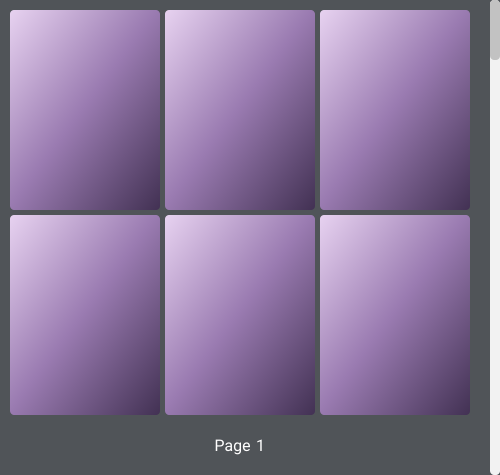
Let’s start with a simple problem. What if the user was trying to find something earlier but can’t remember where in the list it was. There’s no visual reference. Uh oh - let’s add a page marker. When you scroll down and hit a loading point - we add a marker you can know which ‘page’ you are on. That means if you found an item you like on ‘page’ 5, then you know next time you can find it by scrolling down to that marker. Great!
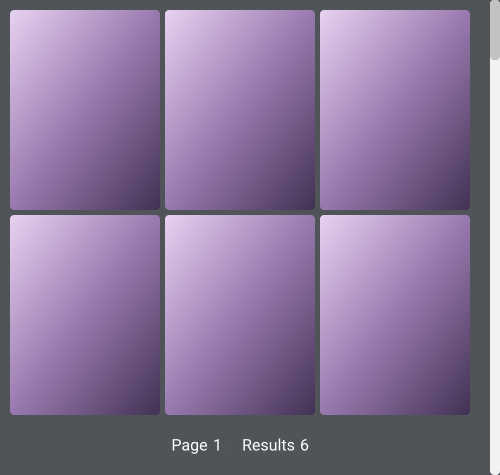
Hold on, how do you know how many items you’ve gotten too? Well let’s make it a little easier to find an item by adding the number of results per page too.
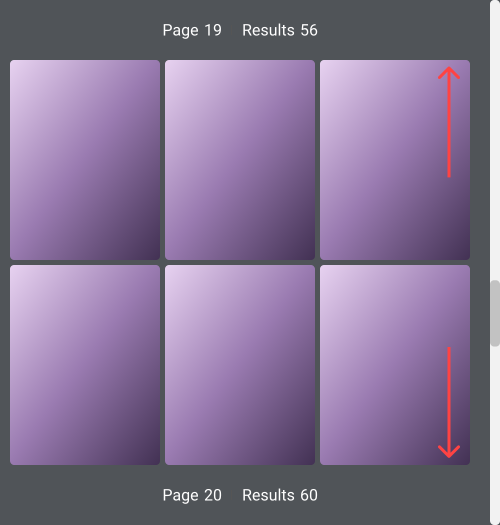
Ok but now if the user goes to another page and comes back, their position is lost. Bah! Ok, let’s save that position in memory that way we can always go back. But what happens to the results before and after, well after we don’t care about since we’ll load them on scroll. But before, should we load them all? No, that’d be crazy! Instead, we can put a marker in front and add ✨reverse scrolling✨. That way if the user scrolls up, it’ll load the last results before like magic.
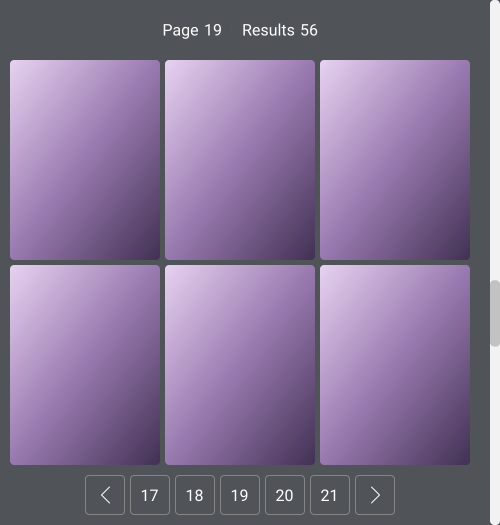
Now let’s say you somehow found yourself at page 20 through some mindless scrolling - you refresh the page. Woops! Let’s just find it again, by repeatedly scrolling until we hit 20… not very ideal. It’s a bit of a chore just to get back to that item. Ok, let’s add some sticky pagination, so the user can skip content.
Ok, next problem is that how many results should I load per ‘page’? Well it really depends on the speed of your API and the internet connection of your clients. If your clients are working on very slow internet, like in India where they have extremely slow and often spare internet connection - then your client cannot handle a large request. Infinite scrolling doesn’t work for them. ‘Ok, but I don’t care about India?’ - Then you still need a decent API. You can offset a slow API by prefetching results, but it’s still not a great experience, but your user may never even get to those results. We could also allow the user to set a preference in the UI. The cost of doing business I say.
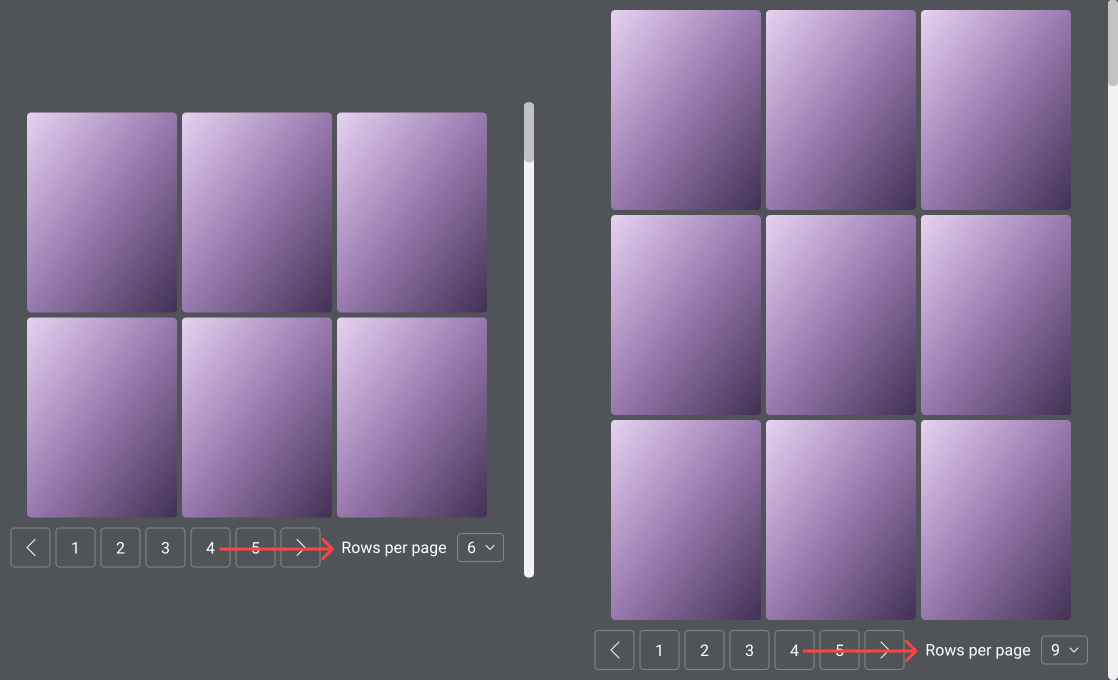
Ok cool we have our UI! Ok but now… what if this list is really long? Like - 100,000 results long. Most cases, this doesn’t matter. But what if it’s a table? Now you need to introduce virtualisation if you really care about performance - since the browser will struggle to handle that many results. However if you look at implementations of virtualisation libraries and their demos, they all have similar issues since they work in the same way! For example, if you scroll too fast then you start to get flickering for your rendered data, or it doesn’t appear for a while at all! Try using the scrollbar in react-virtuoso below.
Not only this, but virtualisation isn’t often accessible by screen readers. They’ll usually work by displaying everything as a div. Not very semantic, and those libraries that do, likely don’t support screen readers or keyboard accessories. ‘Ok, but this one does!’ - how much work did you have to get through to support that? Now your new virtualised component is not very reusable. You’re now including a libary to do this, or you’ve created your own solution, but only you know how to modify it and make it work. Changing the content in it is hard, and it’s not very flexible. You want something easy to maintain, and easy to reuse.
After all of this, it’s starting to look… familiar… sort of like… pagination, with extra steps you say? Damn right it is. If you managed to implement all of this, congratulations to you. Your spaghetti code is a monster I never wish to unravel. I haven’t even mentioned building filters or search on-top of this. Pagination solves every single point here if you think about it. There’s no issue with performance, because you never load more than 100 or so items. Your page number is always easily saved, it’s obvious where you are in the state. No need to consider reverse scrolling or skipping content. It’s all handled right there in the page number for you.
Lastly we haven’t talked about the should we, infinite scrolling is addictive. Its intent is to get the user to engage with your content more. But should you really try and gimmick the user into continuously scrolling? Not for me, I’d go as far to say it’s a dark pattern. So we should avoid it, like the good Samaritans we are.
You can find all the Figma designs of the components and layouts here 👈
Make yours and the users’ life easier, use pagination.